Creative direction · Guide
How to changethe camera angleof a photo with AI?
TL;DR
- Yes, you can now change the camera angle of a photo with AI: some tools rebuild the scene and shoot it again from a different viewpoint.
- It works well on what the photo shows. The sides you can’t see should be photographed, not invented.
- The tool moves the camera. Which shot your brand needs is still a directing decision.
To change the camera angle of a photo with AI, you use a “change camera” tool: upload an image, choose how far to rotate, raise or move the camera closer, and the model generates the same scene from that viewpoint. Commercial platforms like Magnific do it, and so do open models like Qwen-Image-Edit with a dedicated add-on. The part that decides the result comes first, though: knowing which shots you need and why.
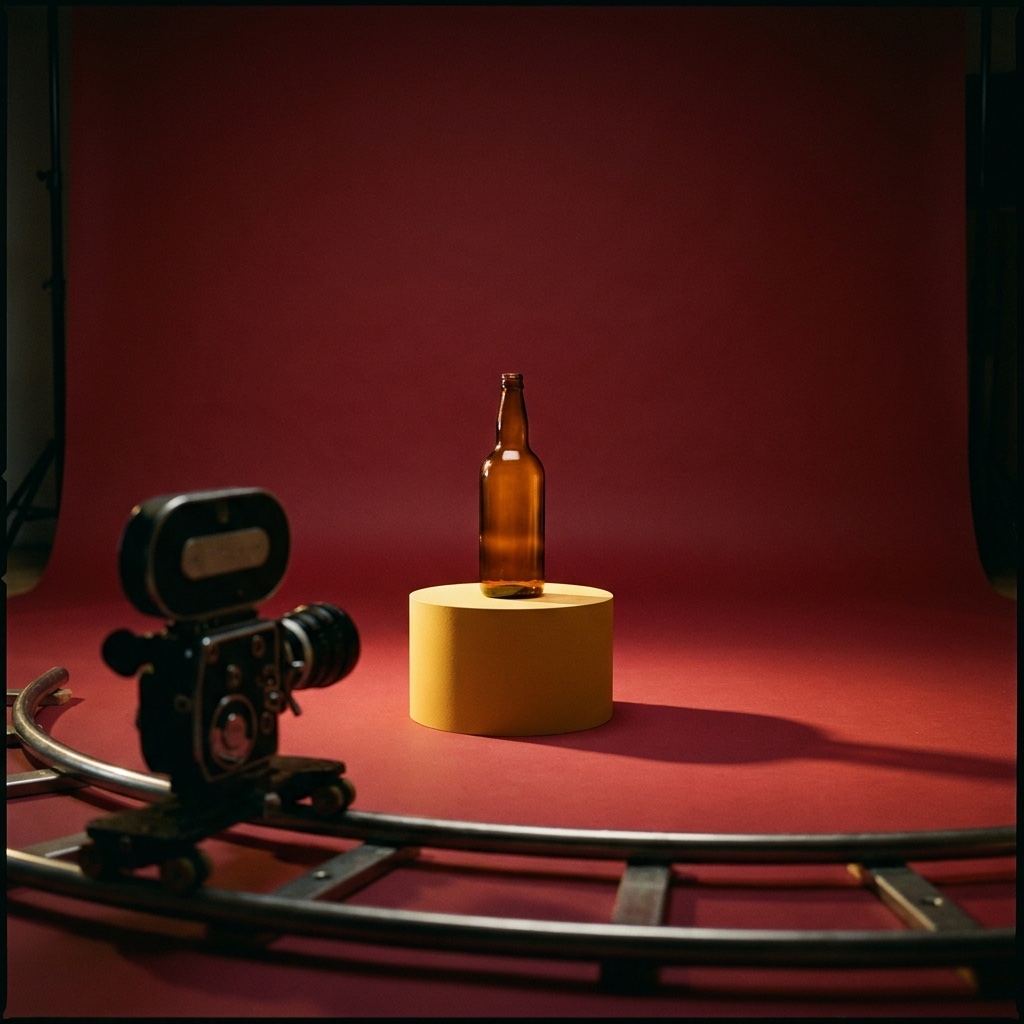
What changed: the camera moves after the shoot
Until recently, if you noticed a shot was missing after the shoot, there wasn’t much to do: back to the studio. Needed the product from above for social, or a vertical close-up for stories? New date, new studio, another day of work.
In the past year a real alternative arrived. In November 2025 Magnific (the platform called Freepik until April 2026) introduced Camera Angles: you start from a single image and rotate, tilt and zoom a virtual camera around the subject. In January 2026 fal released an open multi-angle extension for Qwen-Image-Edit, the image-editing model from Alibaba’s Qwen family, under the Apache 2.0 license: 96 camera positions, combining 8 directions around the subject, 4 heights and 3 distances.
Put simply: the model reads the depth and structure of the scene and redraws it as if the camera had moved. It isn’t a crop and it isn’t a warp. It’s a new take of the same subject.
The idea for this article came from a reel listing director-style shots that give AI images character: low angle, Dutch tilt, overhead, over-the-shoulder. It gets one thing right: the angle is one of the fastest ways to turn a generic image into one that looks shot. Here’s what each one says, applied to a brand:
- Low angle: strength and presence. The product, or the person, owns the frame.
- Overhead (top-down): order and composition. Perfect for flat lays and the feed.
- Close-up: material and care. It says “look how it’s made”.
- Wide shot: context and world. It shows where the product lives.
- Dutch tilt: tension and energy. Use it sparingly.
- Over-the-shoulder: the point of view of the person using the product.
How it works, step by step
The tool is only one of four steps. Here’s how we use it at UAIT.AI:
The tool works in 1 step out of 4. The other 3 are direction. Skip the brief and you get ten random angles. Skip the check and you risk a product that changes shape from one image to the next.
What you get, what we protect
What you get
- every angle the launch needs, for every channel
- no new shoot for the missing shot
- a consistent set: same light, same look, different formats
What we protect
- the subject stays the real one: shape, colors, label, proportions
- no invented sides: what the photo doesn’t show gets photographed
- every image goes past a person before it goes live
This is worth being honest about. From a single photo, the model sees one side of the subject. Ask it for the back and it has to guess. For a mood image that may be fine; for a product a customer will buy, it isn’t. That’s why we start from good real photos, from several sides, and leave the angles to AI, not the details.
For a small brand this changes a lot: the coverage of a full set, without having to organize a full set.
4 steps to your first shot list with AI
- Start from where the image will live. Product page, vertical story, banner: the format decides half of the framing.
- Pick your angles and write one line on why. If you can’t say what a shot communicates, you don’t need it.
- Photograph the subject well, from several sides. AI works best on what it can see. One good starting photo beats ten attempts.
- Compare every image with the original. Shape, colors, label, proportions. If something changed, fix it or drop it.
FAQ
Can you change the camera angle of a photo with AI?
Yes. Change-camera tools start from an image and generate the same scene from another viewpoint: higher, lower, from the side, closer or further away. They exist on commercial platforms, like Magnific, and as open models, like Qwen-Image-Edit with a multi-angle add-on.
Can AI show the back of a product from a single photo?
It can try, but it has to guess what it can’t see. For mood images that may work; for a real product, it’s better to start from photos of every side you want to show. That way AI changes the camera, not the product.
Are there open-source tools to change the camera angle?
Yes. Qwen-Image-Edit is an open model under the Apache 2.0 license, and the multi-angle add-on released by fal uses the same license. Open and commercial tools can live in the same workflow: what matters is picking the best one for the job.
Which shots does a product campaign need?
It depends on the channels, but a solid base is: a wide shot for context, a close-up for quality, overhead for the feed and low angle for presence. Add anything else only if it has a reason.
In short
Changing the camera angle of a photo with AI is now possible and fast: the camera moves after the shoot, starting from one image. It works on the sides the photo shows, so the foundation is still a good real photograph. The value isn’t in the tool that moves the camera, but in the shot list: knowing which shots tell your brand’s story.
Need every shot for your next launch?
Tell us about the project: we’ll tell you which angles you need and how we’d build them.
Keep reading
- How to build an AI ad campaign from one product photo
- How does an ad campaign with a virtual model work?
- About
Sources
- @rourke’s reel on camera angles for AI images (Instagram) — used for: the starting point and the list of shots (low angle, Dutch tilt, overhead, over-the-shoulder)
- Magnific on X — “Introducing Camera Angles” (November 10, 2025) — used for: date and feature description
- Magnific — Change Camera — used for: how it works (single image, camera rotation, tilt and zoom)
- Magnific — Freepik is now Magnific — used for: the name change from Freepik to Magnific
- fal — Qwen-Image-Edit-2511-Multiple-Angles-LoRA (Hugging Face) — used for: 96 camera positions (8 directions × 4 heights × 3 distances), Apache 2.0 license
- fal on X — multi-angle add-on announcement (January 7, 2026) — used for: date
- Qwen-Image-Edit-2511 (Hugging Face) — used for: Apache 2.0 license of the base model