AI tools · Guide
What's thebest AI image generatorfor ads?
TL;DR
- There’s no single best AI image generator for ads: there’s the best tool for each job (product, people, video, retouching).
- There are more tools every month, closed and open. Tying yourself to one platform means missing the new ones.
- Your brand’s look shouldn’t depend on the tool: you set it first, in the direction. And before you use a model for a client, you read the license.
The best AI image generator for ads is the one that fits the job in front of you: one model for the product shot, one for people, one for video, one for retouching. Between commercial tools, like ByteDance’s Seedream or Google’s Nano Banana Pro, and open models, like Alibaba’s Qwen-Image, the choice is wide and it changes every month. What matters is picking well, checking that the license allows commercial use, and keeping the same look across every step.
Why there's no longer "one" AI for images
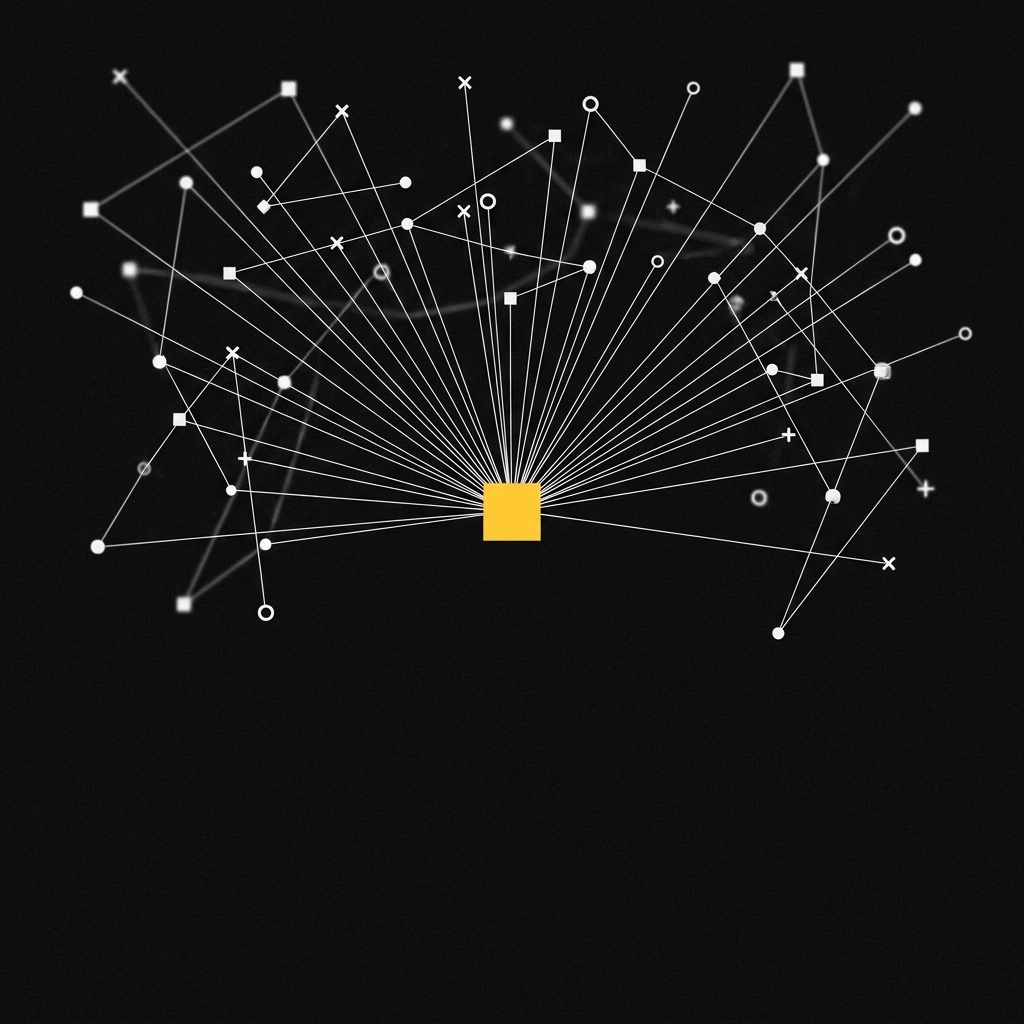
Until recently the question made sense: there were a few names and you picked one platform for everything. Not anymore. The starting point for this article is a Brain Food post about the Chinese AI ecosystem: not a single “Chinese ChatGPT”, but a network of specialised models (Qwen, DeepSeek, Kimi, GLM, StepFun, Dreamina, MiMo), each strong at a different task. It’s a snapshot of a trend that applies to the whole industry: AI is turning into a toolbox.
For anyone working in advertising, a few concrete examples from the last few months:
- Seedream 5.0 Pro (ByteDance, July 2026) splits an image into more than 10 transparent layers you can move and resize one by one. Put simply: a visual becomes a working file, not a flat picture.
- Seedance 2.5 (ByteDance) makes videos up to 30 seconds long in a single generation and, according to its product page, accepts up to 50 references across images, video and audio.
- Qwen-Image (Alibaba) is a family of open models: several versions, like the first one from 2025 and 2512, are released under Apache 2.0, which allows commercial use.
- MiMo-V2.6 (Xiaomi, 22 September 2026) is a family of open models that reads text, images, video and audio.
Next to these sit Western tools, closed and open, like Google’s Nano Banana Pro. There’s no right side of the tools: there’s the right tool for the job.
How to choose the right tool, step by step
Choosing the tool is only one of four steps. Here’s how we work at UAIT.AI:
The “casting” is the new part. Just as you’d hire a still-life photographer for the product and a fashion photographer for people, you pick the model that renders skin best, the one that keeps text legible, the one that makes the steadiest video. AI works in one step out of four: the other three are direction. Without the brief you don’t know what to ask for. Without the final check you end up with four beautiful images that look like four different campaigns.
What you get, what we protect
What you get
- a specialist for every job, not one compromise
- no lock-in to a single platform or subscription
- new tools join the workflow as soon as they land, with nothing to redo
What we protect
- the same look, whatever the tool: light, palette, faces, product
- usage rights: every license is read before a model is used for a client
- no resemblance to real people
On the second point there’s a fresh example. Qwen-Image-2.1 came out on 20 September 2026: the model files can be downloaded, but the license (Qwen Research License) limits use to research and evaluation. Commercial use needs a separate license. Earlier versions of the same family were Apache 2.0. Same name, different rules: “open” doesn’t always mean “usable in a campaign”.
For a small brand, the overall picture is good news. The same toolbox a big studio uses is available to everyone, and many tools can be tried without contracts or annual plans.
4 steps to choose the right AI for your campaign
- Split the campaign into jobs. Product shots, people, video, text on the image, retouching. Each job has its specialist.
- Test two or three tools on the same brief. At least one commercial and one open. Compare results, not promises.
- Read the license before you use it for a client. Commercial use, limits, attribution. If it isn’t clear, don’t use it.
- Set the look outside the tool. Palette, light, references, character sheet: all in a document you own. That way you can switch tools without changing your brand.
Frequently asked questions
What's the best AI image generator for ads in 2026?
There isn’t just one. Different tools do better at product shots, people, video and text in the image, and the ranking changes every few months. Choose by job, not by brand name.
Are open-source AI tools good enough for a campaign?
Yes: many match commercial tools and don’t tie you to a platform. Check the license first, though. Apache 2.0 and MIT allow commercial use; a “research” license usually doesn’t.
Does "open weights" mean I can use it for a client?
Not always. Open weights means the model files are downloadable; what you can do with them is set by the license. Qwen-Image-2.1, for example, can be downloaded but comes with a research and evaluation license: commercial use needs a separate agreement.
How do you keep the same look across different tools?
By setting the look before you generate: one visual reference (palette, light, character sheet, product photos) and a final check on every image. The tool changes, the reference stays the same.
In short
Asking for the best AI image generator for ads is like asking for the best camera lens: it depends on the shot. There are many tools, closed and open, and they improve every month. The advantage isn’t picking one forever, but picking well for each job, reading the license and keeping your brand’s look outside the tool.
Want a campaign that doesn’t depend on a single tool?
Tell us about the project: we’ll tell you which tools we’d use for each step and how we’d keep the look identical.
Keep reading
- How much does an AI advertising campaign cost (and what actually matters)
- How to build an AI ad campaign from one product photo
- About
Sources
- Brain Food on Instagram — post on the Chinese AI ecosystem (Italian) — used for: the starting point and the list of models mentioned (Qwen, DeepSeek, Kimi, GLM, StepFun, Dreamina, MiMo)
- ByteDance Seed — Introducing Seedream 5.0 Pro (8 July 2026) — used for: separation into more than 10 transparent layers, date
- ByteDance Seed — Seedance 2.5 — used for: videos up to 30 seconds in a single generation
- Dreamina — Seedance 2.5 — used for: up to 50 input references (manufacturer’s claim)
- Qwen-Image (Hugging Face) — used for: Apache 2.0 license, open weights
- Qwen-Image-2512 (Hugging Face) — used for: Apache 2.0 license
- Qwen-Image-2.1 (Hugging Face) — used for: Qwen Research License, limits on commercial use
- DataNorth — Qwen-Image-2.1 release — used for: release date (20 September 2026)
- SiliconANGLE — Xiaomi MiMo-V2.6 (22 September 2026) — used for: open models, text, image, video and audio input
- CNBC — Google launches Nano Banana Pro (20 November 2025) — used for: example of a commercial tool